
 Free and open source · macOS 15+
Every dev server on your Mac, one click from the menu bar.
Start, stop and watch the servers of all your projects. Runbar tells you who took a port, opens database tunnels when they're needed, and keeps the Mac awake while your agent works.
MIT licensed. Not notarized yet, so macOS asks once: how to open it. On an Intel Mac, build it from source.
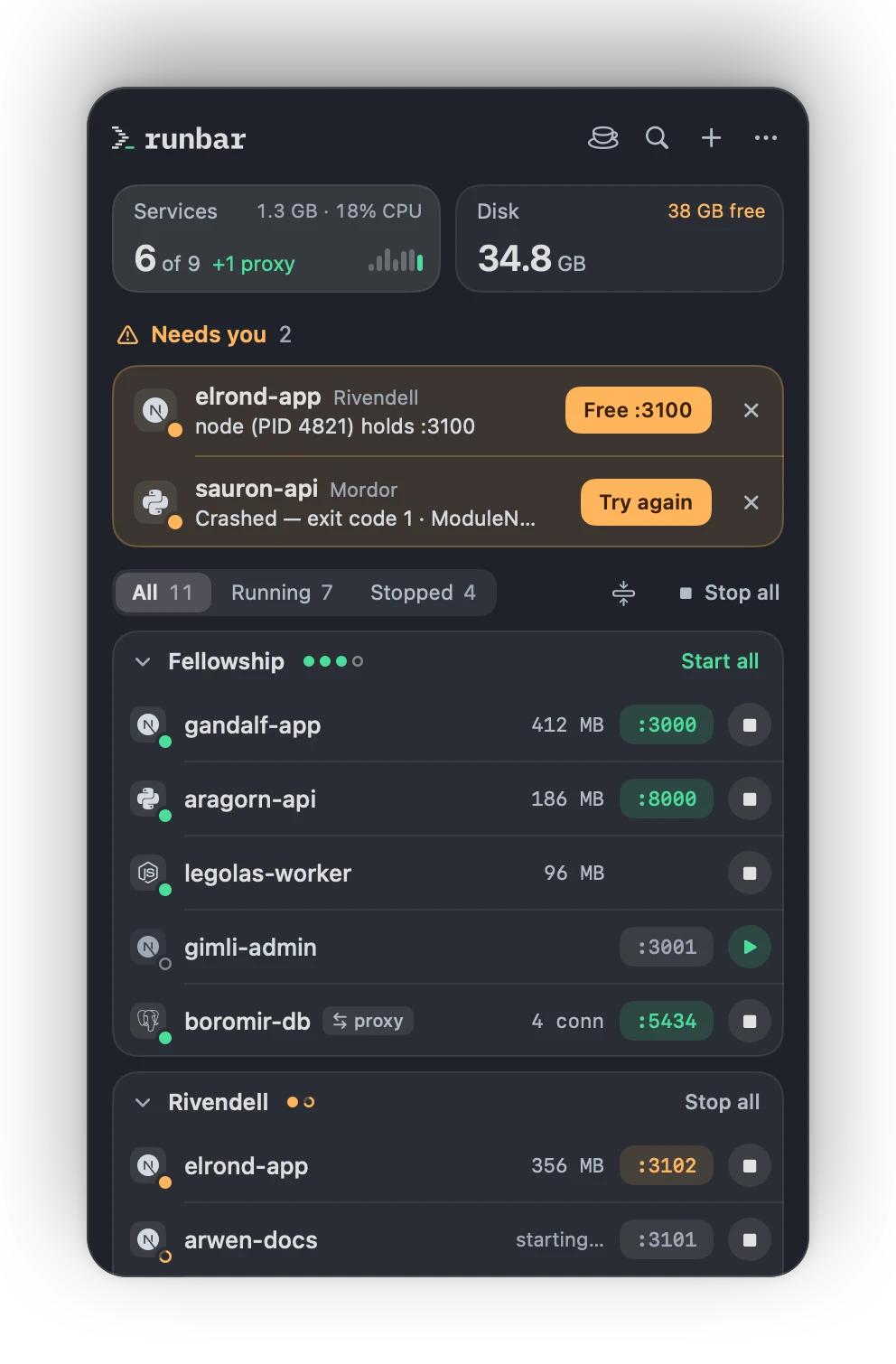
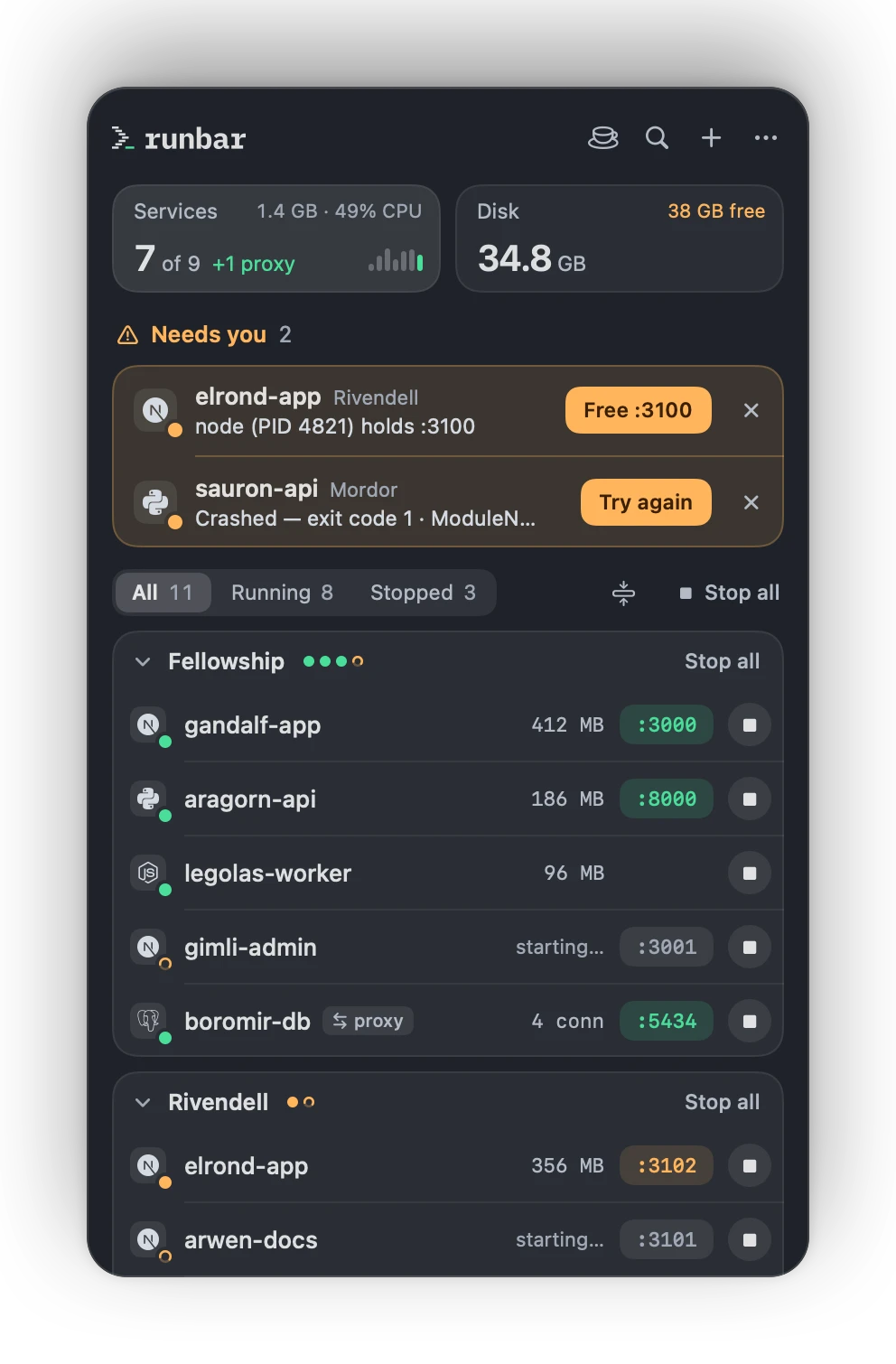
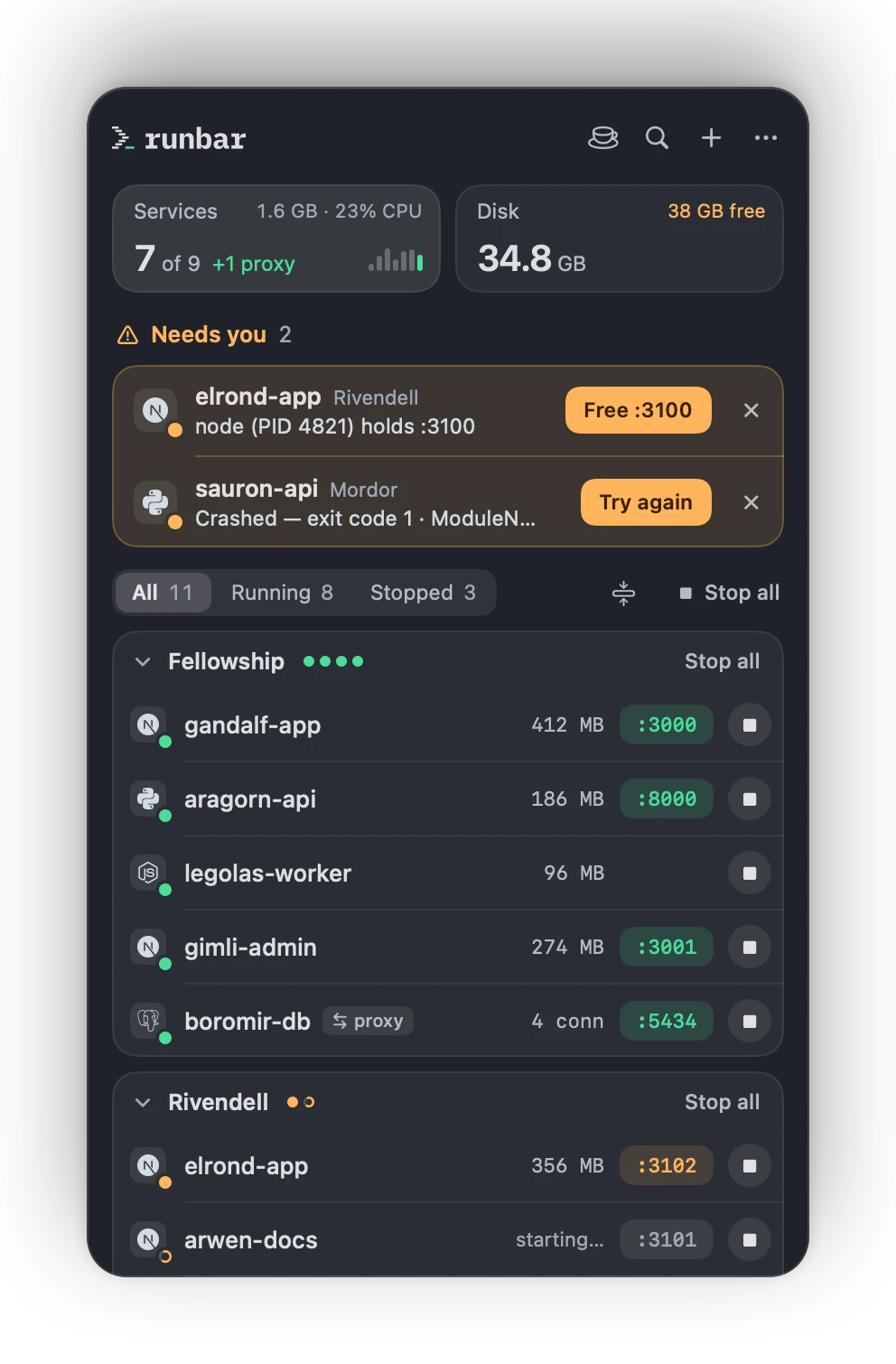
Ten terminal tabs, one menu.
Know what's running, and where.
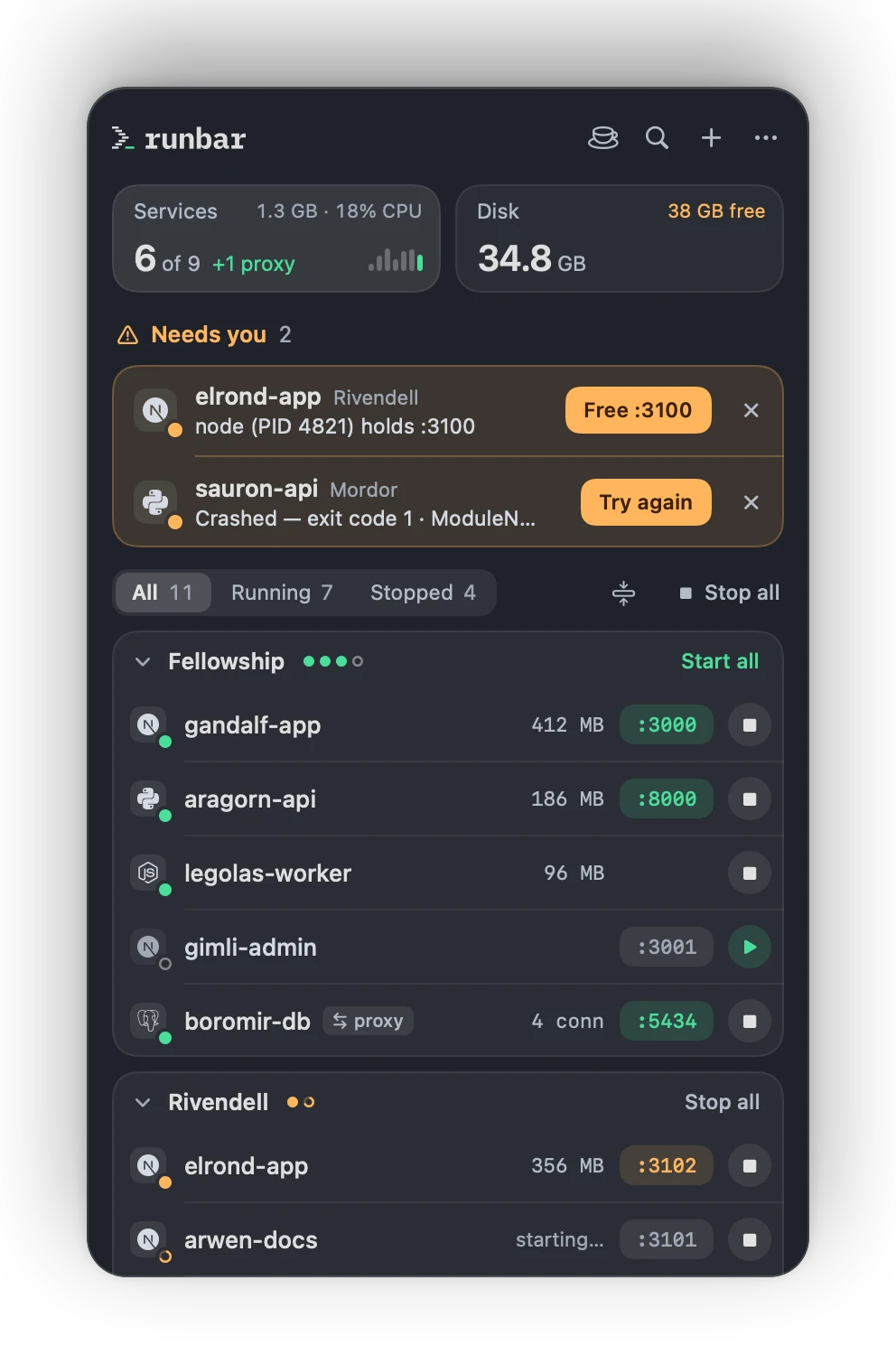
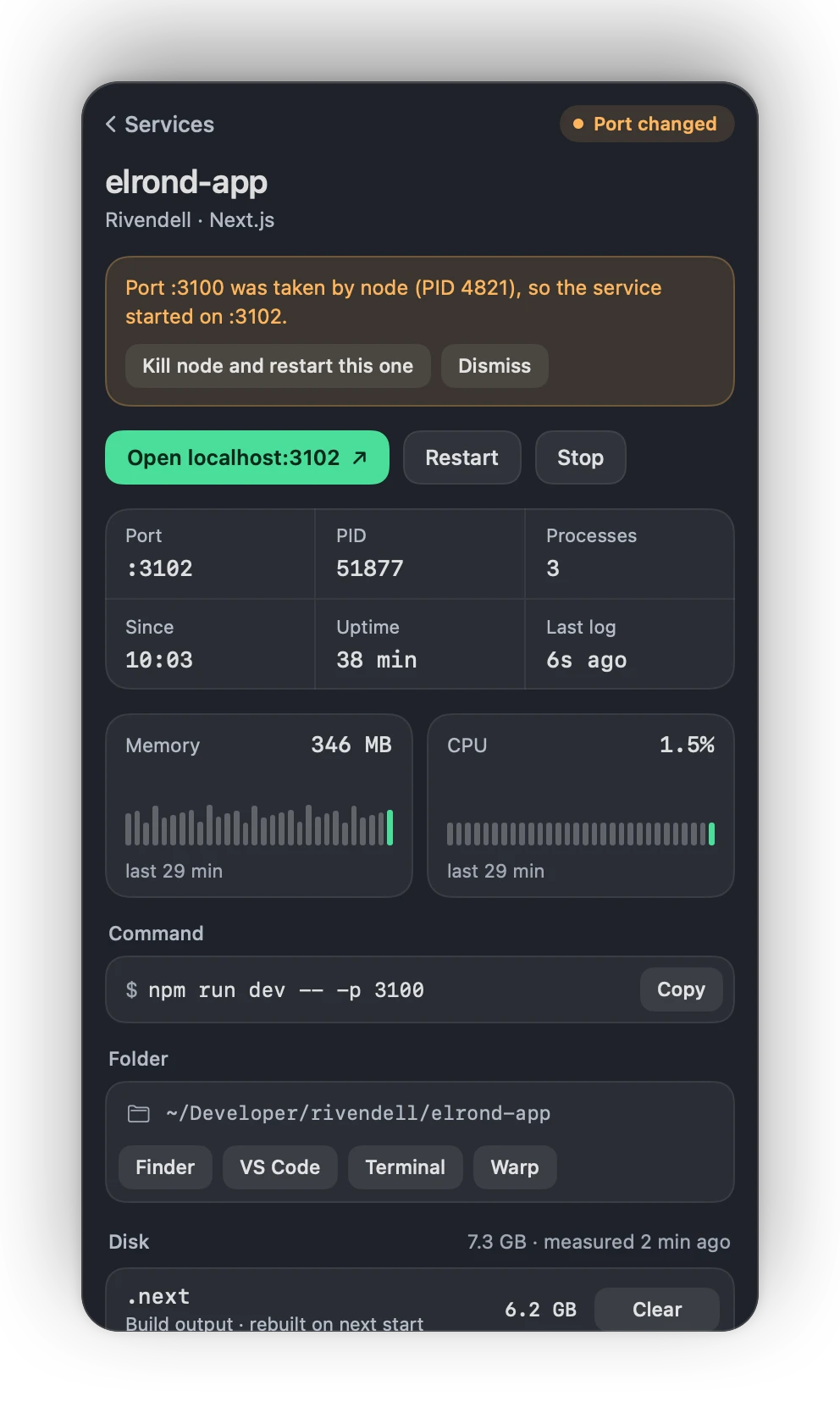
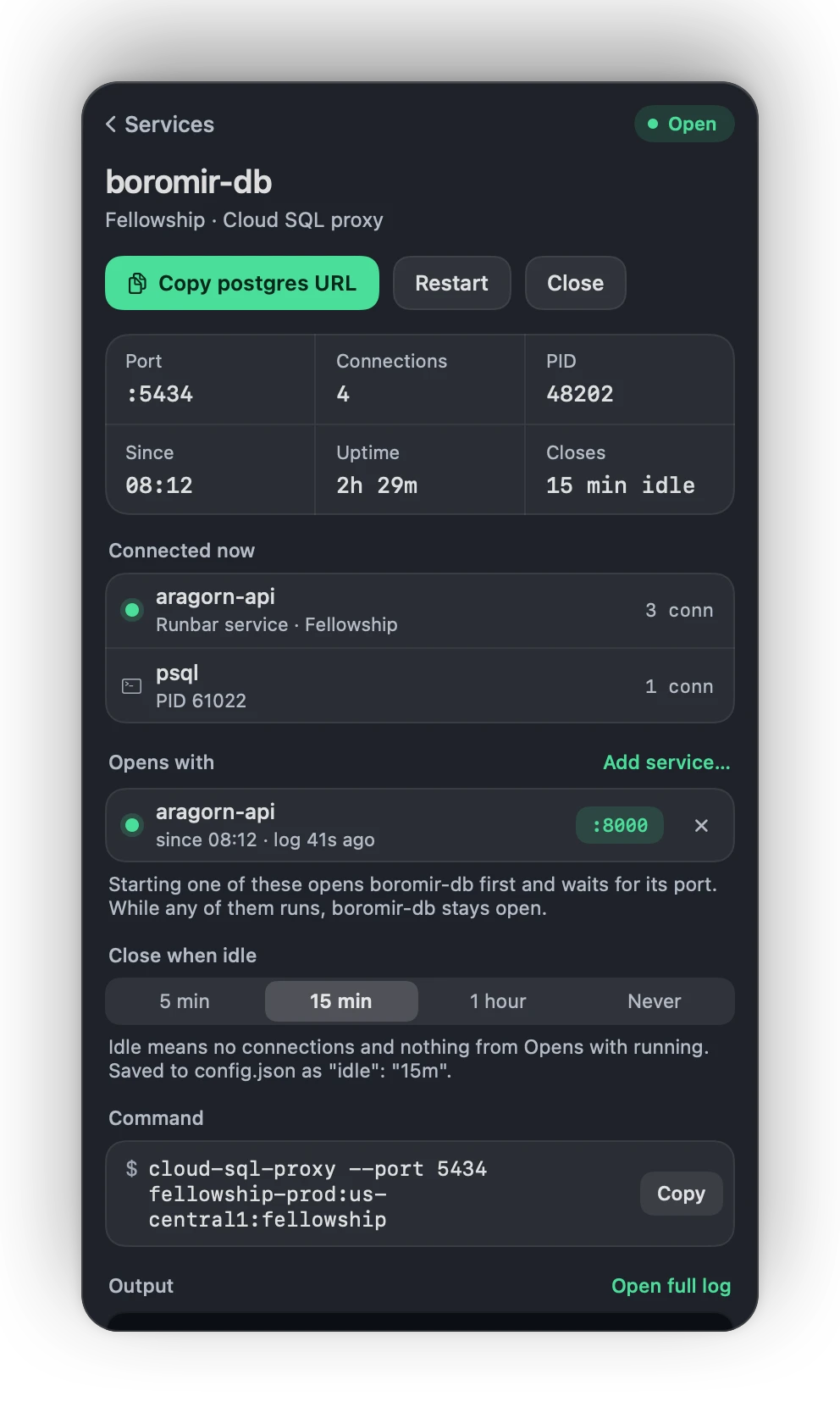
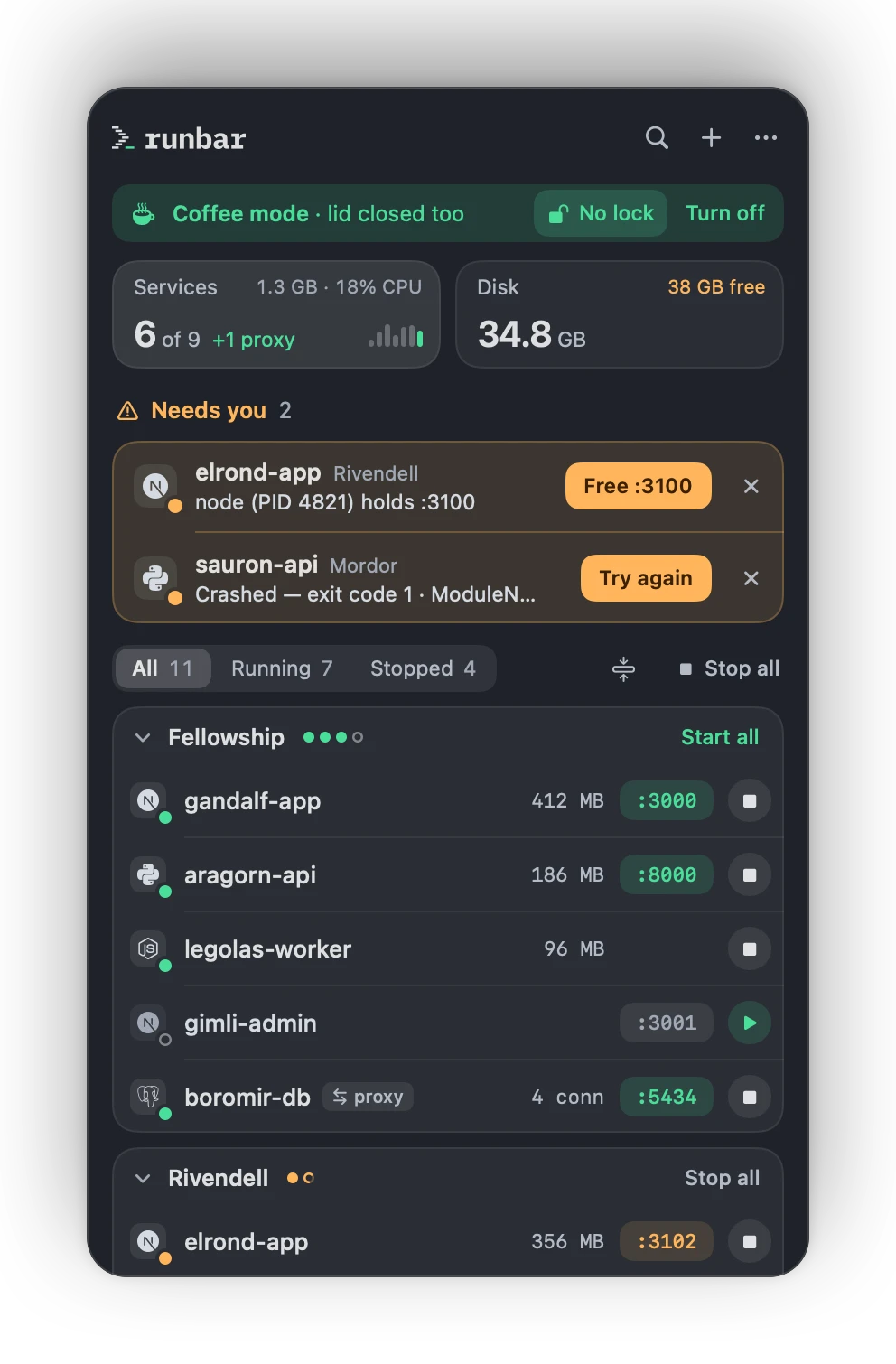
Every project's servers in one panel. Each shows the port it's really on, its memory and CPU with its children, and what it runs: Next.js, Python, Postgres, Docker.
- Start all, stop all per project, or one service at a time.
- Services outlive Runbar. Quit or update it and they keep running.
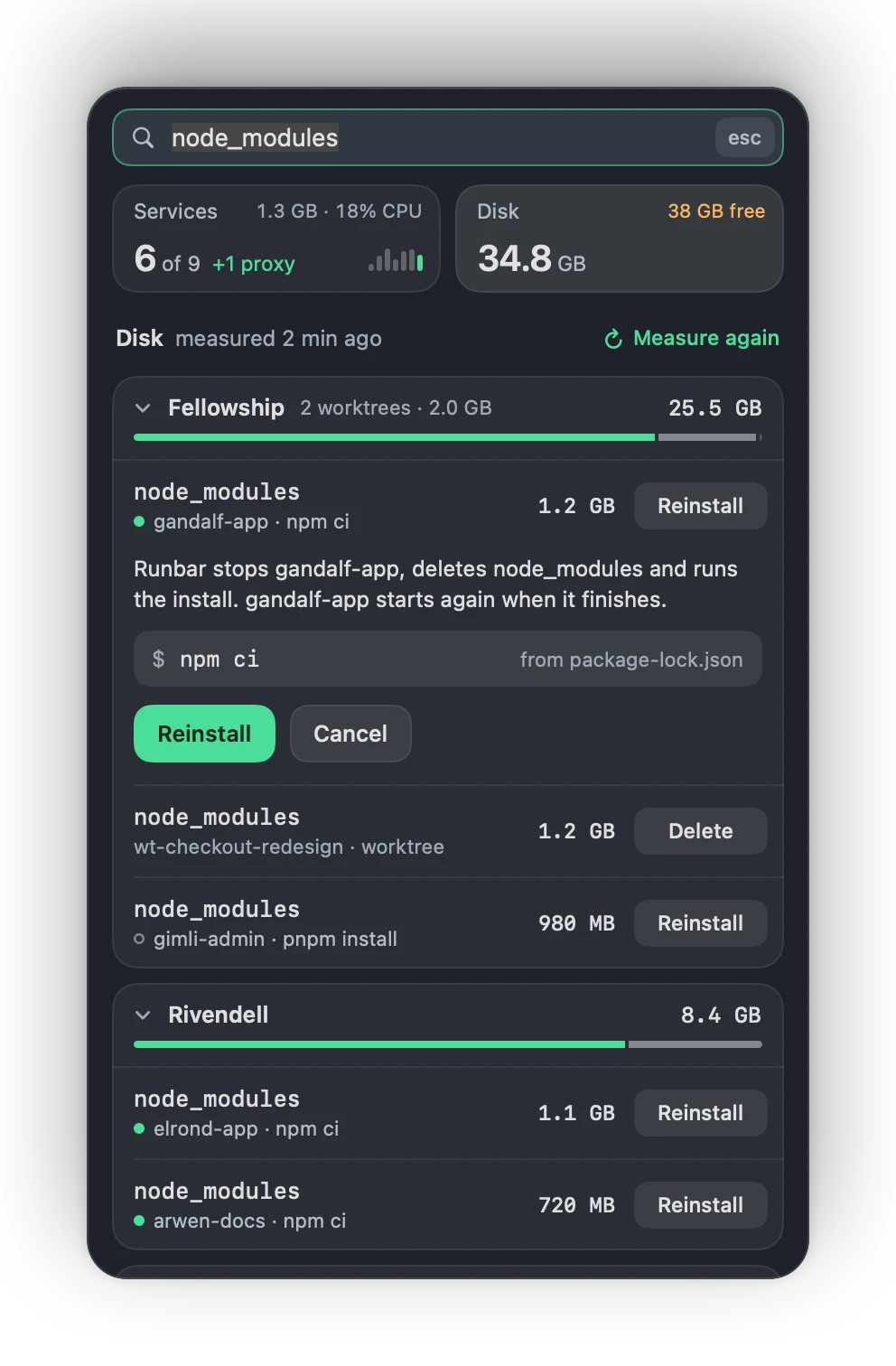
- ⌘K, or just start typing, to find a service or a port.
- Found one you forgot? Runbar spots dev servers in your projects that aren't set up yet; Add takes one click.
Made for coding agents.
Paste one request into Claude Code, Codex or Cursor: it scans your folders and writes config.json, and Runbar reloads the moment it changes. Then the CLI lets the agent start a service, wait for its port and read the logs to check its own work.
runbar start <id> --wait- Starts a service and waits for its port.
runbar logs <id> -f- Reads the output, and follows it.
runbar status --json- Real port, memory and CPU of each service.
runbar scan --json- Dev servers in your projects the config doesn't run yet.
runbar validate- Checks the config, with line and column.
$ runbar statusSERVICE STATUS PORT MEMgandalf-app running :3000 412 MBaragorn-api running :8000 186 MBelrond-app running :3102 356 MB ⚠ expected :3100sauron-api crashed :8100 — $ runbar logs sauron-api -n 2 File "main.py", line 3, in <module>ModuleNotFoundError: No module named 'httpx' $ uv add httpx && runbar restart sauron-api --wait✓ sauron-api running on :8100$ Up and running in a minute.
macOS 15 or newer. Download the app, or build it yourself with Apple's free Command Line Tools.
Download
For Apple silicon. Open it and drag Runbar to Applications.
Download for MacNot notarized yet, so the first time macOS blocks it: open System Settings › Privacy & Security and click Open Anyway.
From source
Any Mac on macOS 15, Intel too. With the Command Line Tools, no Xcode.
git clone https://github.com/brennerpablo/runbarcd runbarmake installThen click the >_ in the menu bar, choose Set up with an agent… and paste the request into your agent.
Before you install.
Can the screen stay unlocked while I'm away?
Yes. Turn on No lock in the coffee mode strip: the display stays on and nothing locks, the way it does while a video plays. Closing the lid still turns the screen off.
Can Runbar show in the Dock?
It lives in the menu bar. Turn on Show in Dock in ⋯ and it shows in the Dock and the app switcher too, where a click opens the panel.
Does Runbar send anything anywhere?
No. It reads your processes on your Mac, and the only request it makes is the health check you set, to your own service. No account, no analytics.
Does it need admin rights?
No. Runbar and your services run as you. Only coffee mode with the lid closed asks for your password, once, to allow exactly pmset -a disablesleep.
What happens to my servers if I quit Runbar?
They keep running, and Runbar picks them up again when it opens. Stop all in the panel stops every one of them.
Does it run docker compose?
Yes, and anything else you start with a command: docker compose up as the command, docker compose down as stop.
Will Clear or Delete take something I need?
Runbar only touches folders it knows, never a symlink and never outside the project, and Reinstall shows its command before anything is deleted.
How do I uninstall it?
Quit Runbar and delete Runbar.app and the runbar link. The config lives in ~/.config/runbar, the logs in ~/Library/Logs/Runbar.